Partial and Sequential Invoicing with Breadwinner
In some cases, not all Opp Products need to be on the same invoice. In that case, users can use "Partial Invoicing".
Partial Invoicing can be achieved with Breadwinner's Business edition. If you are using Breadwinner Basic or Breadwinner Professional, please contact Breadwinner's Support Team via the tab in the Breadwinner Setup and request a trial.
To use Partial Invoicing, your Salesforce Administrator or Consultant needs to create a custom checkbox field on the Opportunity Product.
Once that field has been created, it can be checked for the Opp Products that are supposed to appear on the next invoice. Breadwinner will then create an invoice that only contains the checked Opp Products.
Please follow this screencast for an illustration of how it works: https://app.screencast.com/jx9oRFtcVg5ct?conversation=QYfMk1S20T4UWNQW0MElKG
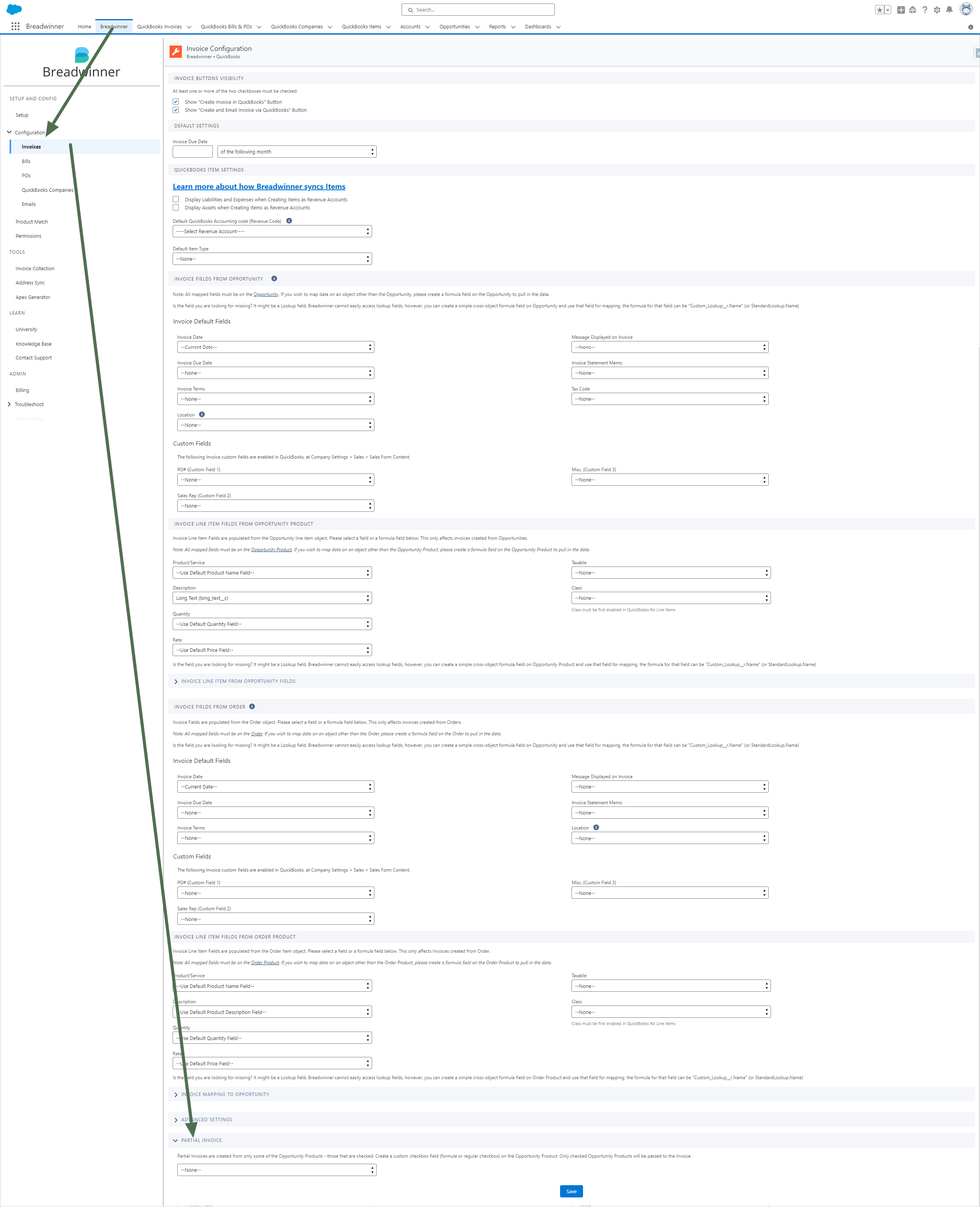
With the checkbox field present and mapped to Breadwinner (see below), and based on the checkbox logic, Breadwinner will only invoice for the Line Items that have the box checked (or unchecked if that is the logic). This functionality has to be set up in the Breadwinner Invoice Configuration Section, see below