Match with Dataload
1 min
As Breadwinner is built upon objects in Salesforce, you can perform Dataloads to update and match Companies. This process is only for administrators knowledgable and practiced in Dataloading and aware of the risks involved. In order to perform a mass update to align NetSuite and Salesforce accounts you will set NetSuite Companies (customers/vendors) to their corresponding existing Salesforce Account. You will need to set one of these fields:
- Salesforce Account
- No Associated SF Account
Using your tool of choice (Salesforce Inspector shown below)
- Extract the <namespace>__BW_Company__c object. The exact namespace may be different than shown.
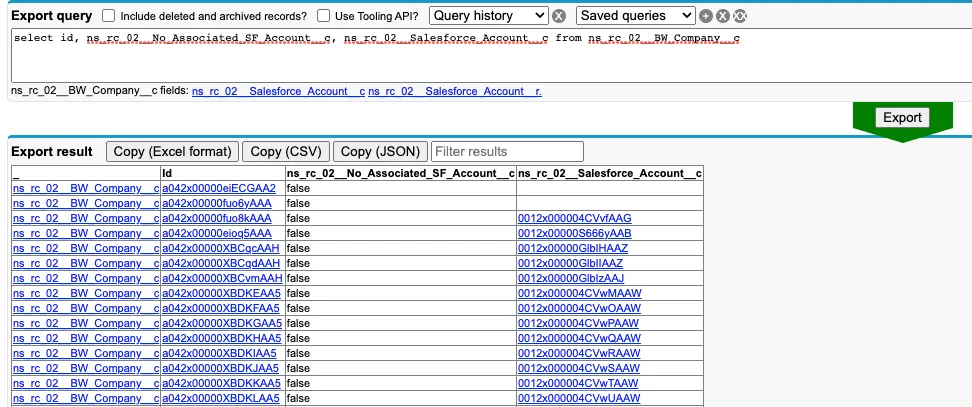
- Update the extracted data with:
- If you have a matching account:
- Add the corresponding Salesforce Account ID in the <namespace>__Salesforce_Account__c field.
- Set the <namespace>__No_Associated_SF_Account__c field to "false".
- If you do not have a corresponding Salesforce Account, and do not want the company to show on Account Match page
- Set the <namespace>__No_Associated_SF_Account__c field to "true".
- Perform the Update dataload to set the values and complete their alignment.